- AUTOMATION EQUIPMENT
- DIGITAL CONTROL
- ELECTRICAL ITEMS
- AMPLIFIER & UPS
- BATTERY CHARGER & INVERTER
- CIRCUIT BREAKER & BLOCKS
- CONTROL UNIT
- ELECTRIC CONTROLLERS
- FIRE ALARAM SYSTEM
- FUSES & CAPACITOR
- HEADPHONE & SPEAKER
- HMI & DISPLAY
- MISC ELECTRICAL
- PCB
- PLC SYSTEMS
- POWER SUPPLY
- PRINTER & CPU
- RELAY
- SENSORS
- SERVO DRIVES & MOTORS
- TELECOME & COMMUNICATION
- THERMOSTAT
- MACHINERY
- SENSORS
- UNCATEGORIZED
Hotline Order:
(+91) 97257 54777
Email ID:
shipnavstore@gmail.com

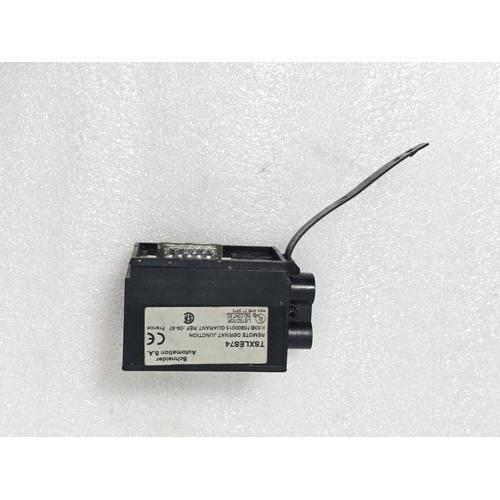
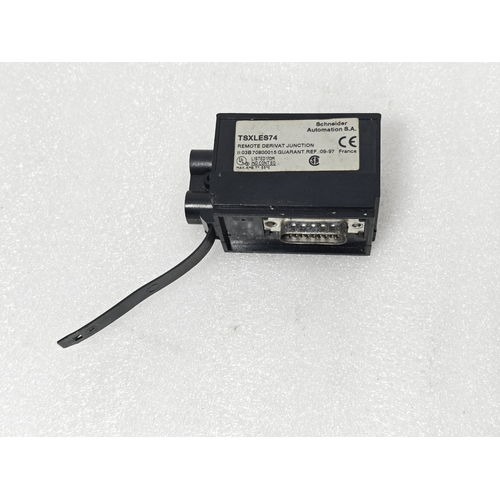
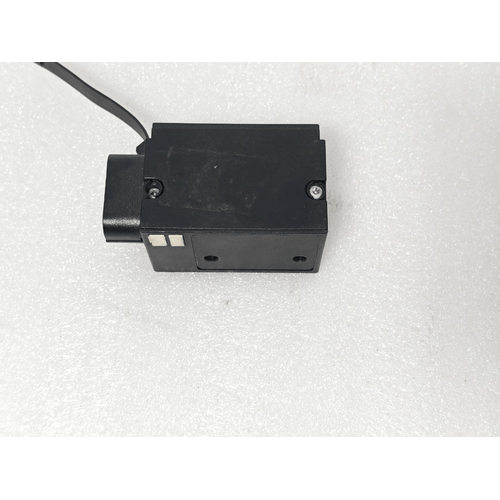
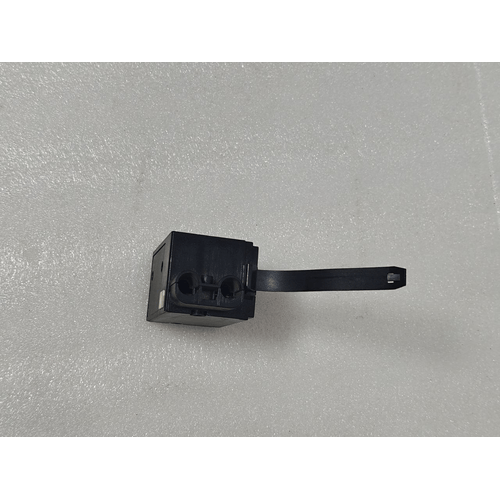
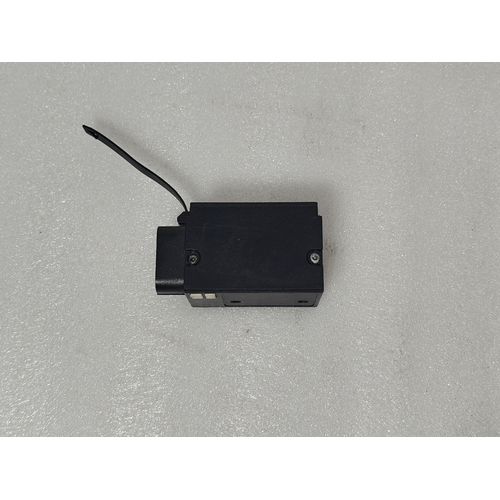
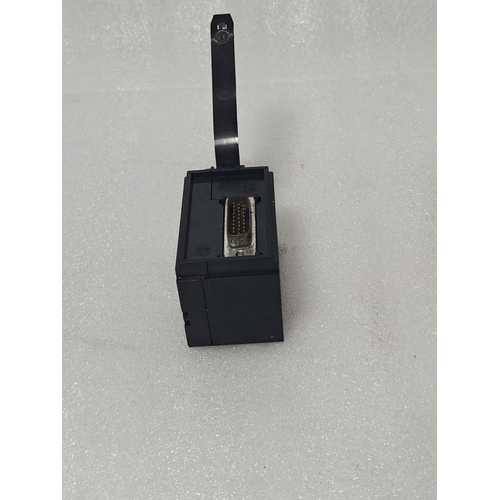
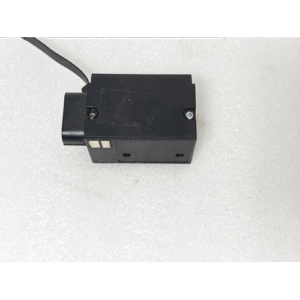
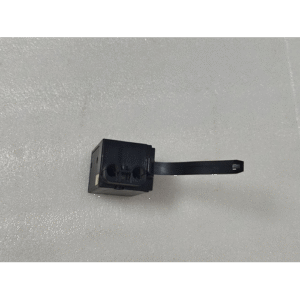
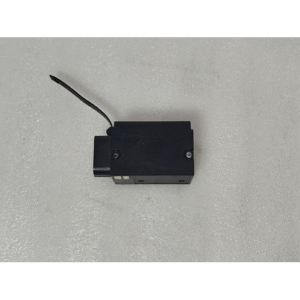
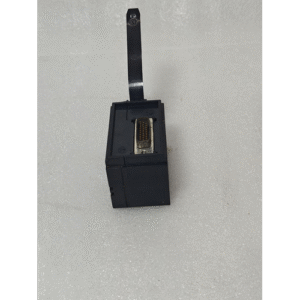
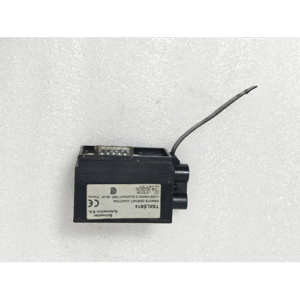
SCHNEIDER ELECTRIC TSX-LES74 / TSXLES74 REMOTE DERIVAT JUNCTION BOX NOT AVAILABLE FRANCE 13:14
₹27,323.00
| Product Conditioned | NEW |
|---|
Free Shipping apply to all orders over $199
Guaranteed Money Back in 30 days return.
24/7 Customer Support
Share:
 SCHNEIDER ELECTRIC TSX-LES74 /...
₹27,323.00
1 in stock
Hotline Order:
(+101) 5620 - 8155
Email ID:
xstore@support.com
Product Description: SCHNEIDER ELECTRIC TSX-LES74
Full Product Name: Modicon TSX-LES74 Remote Derivative Junction Box.
Product Type: Remote I/O (Input/Output) Drop / Junction Box.
Primary Function: It served as a connection point between a central PLC (Programmable Logic Controller) and field devices (like sensors, actuators, push buttons) in a distributed control system.
Key Characteristics:
-
Brand: Schneider Electric
-
Line: Modicon (Their flagship PLC and automation brand)
-
Series: TSX (A very popular series, particularly the TSX Premium range)
-
Form Factor: It is a “Junction Box” or a “Remote Drop.” This means it is an enclosure designed to be mounted in the field, closer to the machines or processes being controlled, to simplify wiring.
-
Interface: It would have connected to the main PLC rack via a specialized remote I/O communication network (not a standard Ethernet cable).
Detailed Breakdown & Context
1. “Remote Derivative” Meaning:
This means the unit is a “slave” or “remote” device in a larger control system. The main PLC CPU is located in a central cabinet, and the TSX-LES74 is a remote station that collects I/O signals from its location. This saves significant cost and effort by reducing the long wiring runs back to the main panel.
2. “Junction Box” Function:
The enclosure contains terminals and connectors. You would install specialized I/O modules (like digital input, digital output, or analog modules from the TSX series) directly into this junction box. Field devices are then wired to these modules.
3. “NOT AVAILABLE” / Discontinued Status:
This is the most critical part of your query.
-
The entire Modicon TSX Premium platform, to which the TSX-LES74 belongs, is considered a legacy product.
-
It has been largely superseded and replaced by newer platforms like Modicon M340 and Modicon M580.
-
Schneider Electric no longer manufactures the TSX-LES74. Finding a new, original unit is extremely difficult and likely impossible through official distributors.
What To Do If You Need a Replacement
Since the product is unavailable, you have several options:
1. Find a Refurbished or New-Old-Stock (NOS) Unit:
-
Search specialized industrial automation suppliers and component brokers who deal in obsolete parts.
-
Be cautious: Ensure the seller is reputable, and be prepared for high prices and no manufacturer’s warranty.
2. Upgrade to a Modern Equivalent (Recommended):
This is the strategy Schneider Electric themselves would recommend. The direct modern equivalent would be a remote I/O drop from the Modicon M340 range.
-
Modern Equivalent Concept: A BMX NOM 0200 remote head with the appropriate BMX I/O modules.
-
Advantages: New technology, warranty, better performance, availability of spare parts, and continued software support in the current EcoStruxure Control Expert (formerly Unity Pro) software.
3. Seek a Cross-Reference from a Third-Party Manufacturer:
Other automation companies (like Siemens, Allen-Bradley, etc.) or specialized third-party manufacturers (like ProSoft, Phoenix Contact) offer remote I/O solutions that could interface with your existing system, though this may require additional configuration and gateway hardware.
Actionable Steps
-
Contact Schneider Electric Support or a Local Schneider Electric Distributor: Provide them with your TSX-LES74 part number. They can give you the official migration path and the correct part numbers for the modern replacement.
-
Audit Your System: Identify exactly which I/O modules are currently installed inside your TSX-LES74 junction box. This information is crucial for finding a correct replacement.
-
Consider System-Wide Upgrade: If one part of your TSX system is failing, others may be near end-of-life. It might be more cost-effective in the long run to plan a gradual upgrade of the entire control system.
We're here when you need us
Get a Quick Quote
Complete our online form.
Call US
Speak to one of our team.
Live Chat
Send us a message
Speak to one of our team.