- AUTOMATION EQUIPMENT
- DIGITAL CONTROL
- ELECTRICAL ITEMS
- AMPLIFIER & UPS
- BATTERY CHARGER & INVERTER
- CIRCUIT BREAKER & BLOCKS
- CONTROL UNIT
- ELECTRIC CONTROLLERS
- FIRE ALARAM SYSTEM
- FUSES & CAPACITOR
- HEADPHONE & SPEAKER
- HMI & DISPLAY
- MISC ELECTRICAL
- PCB
- PLC SYSTEMS
- POWER SUPPLY
- PRINTER & CPU
- RELAY
- SENSORS
- SERVO DRIVES & MOTORS
- TELECOME & COMMUNICATION
- THERMOSTAT
- MACHINERY
- SENSORS
- UNCATEGORIZED


Hotline Order:
(+91) 97257 54777
Email ID:
shipnavstore@gmail.com
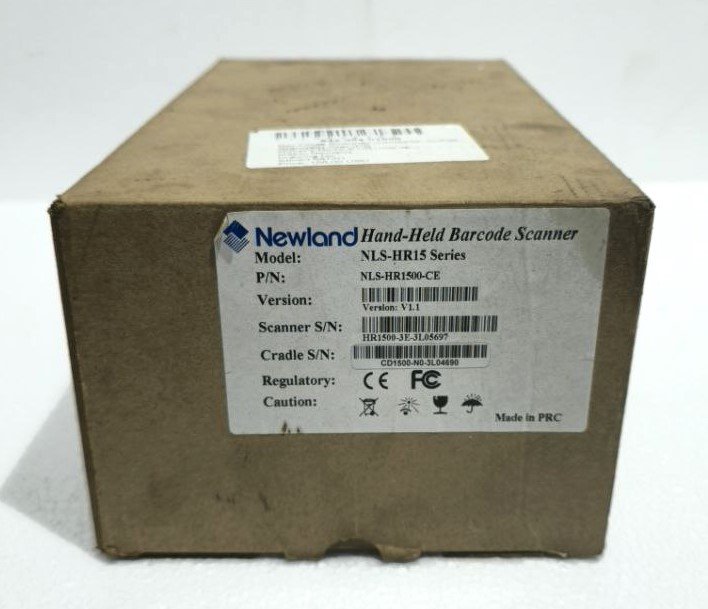
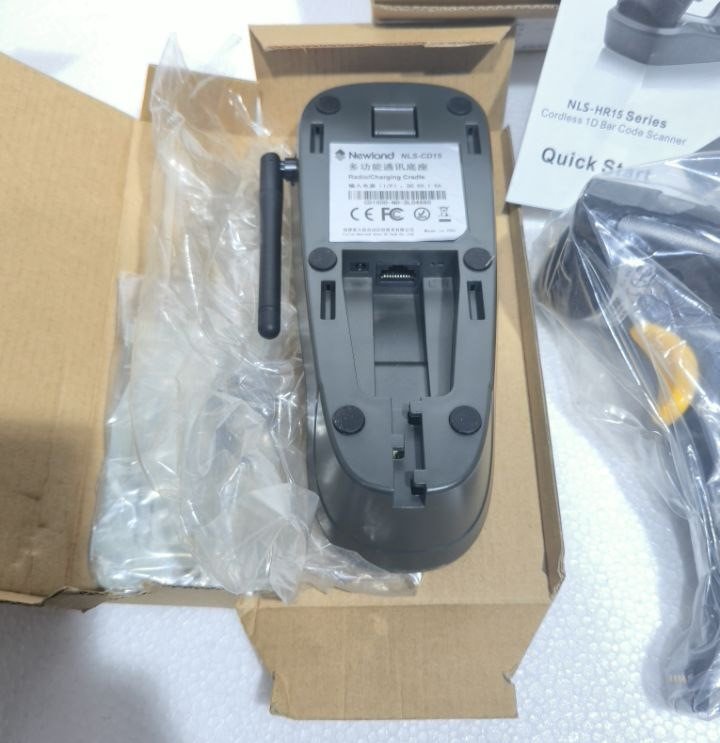
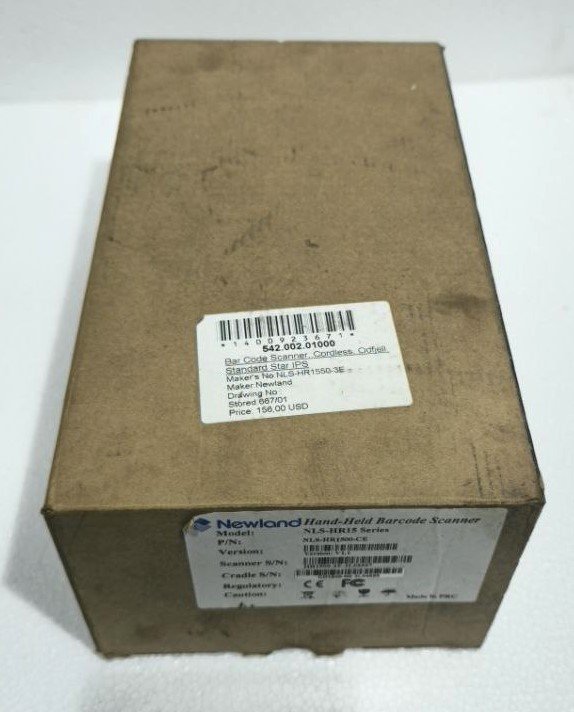
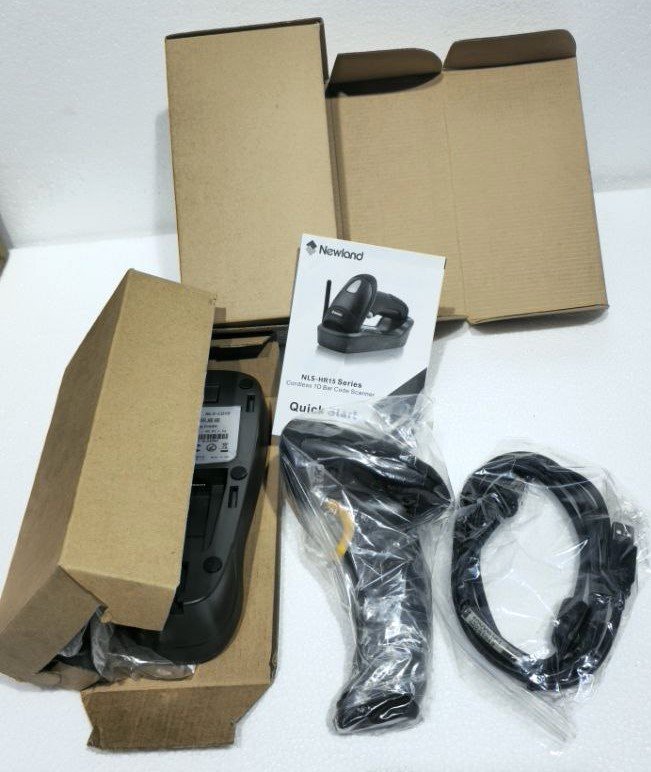
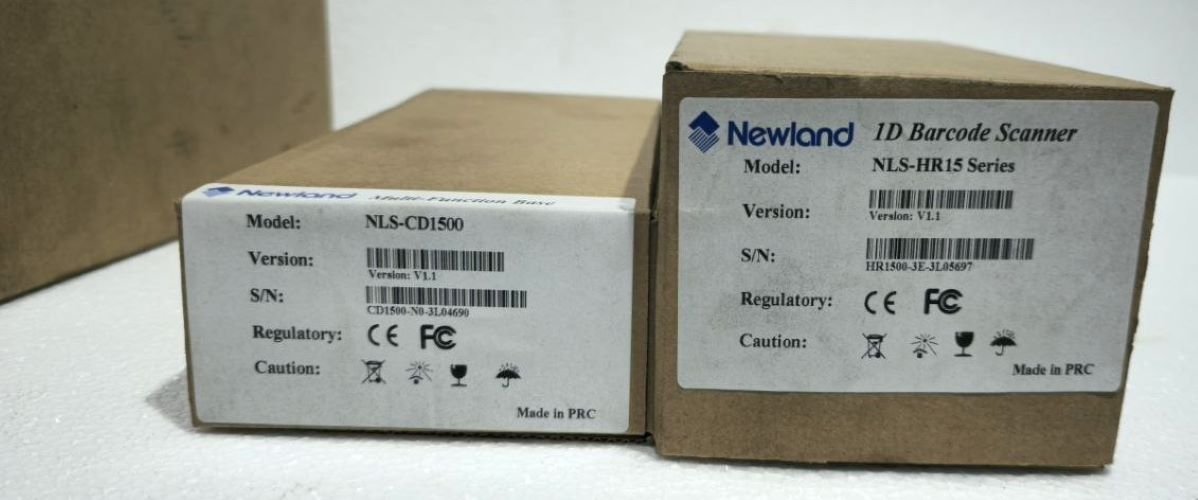
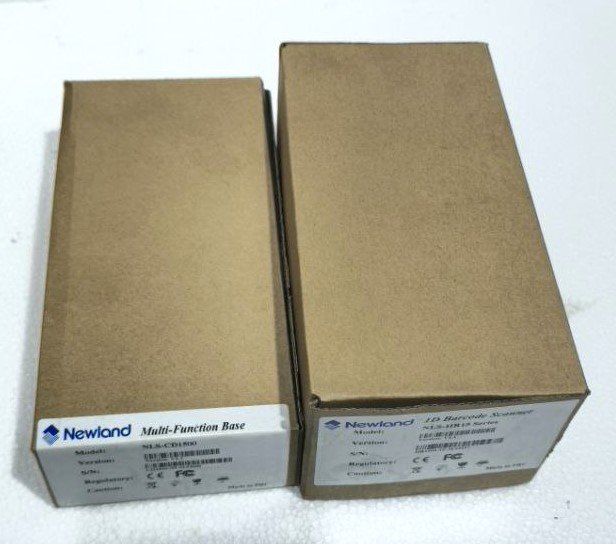
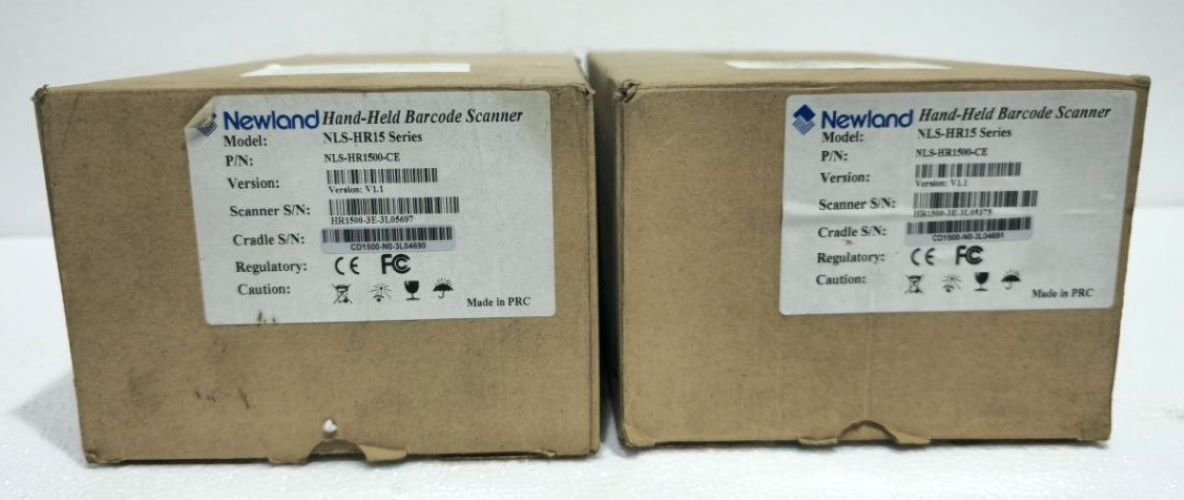
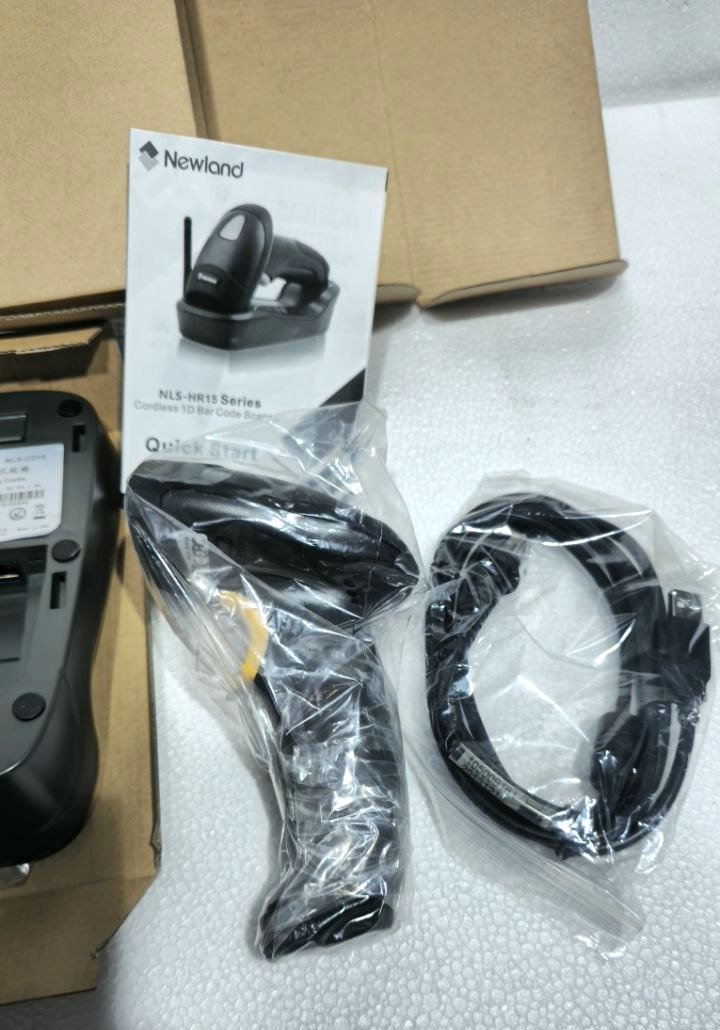
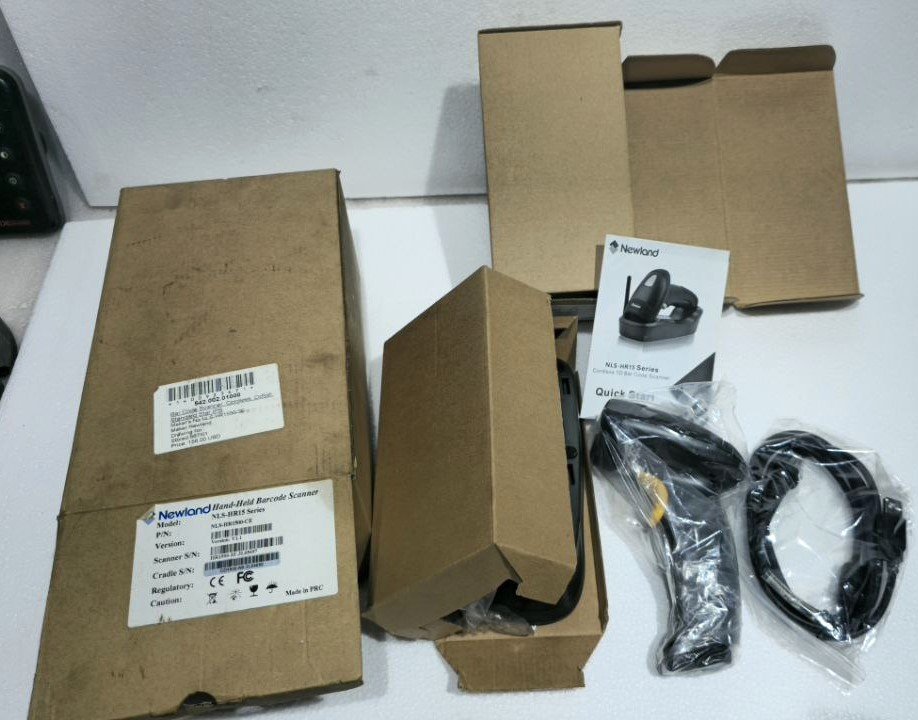
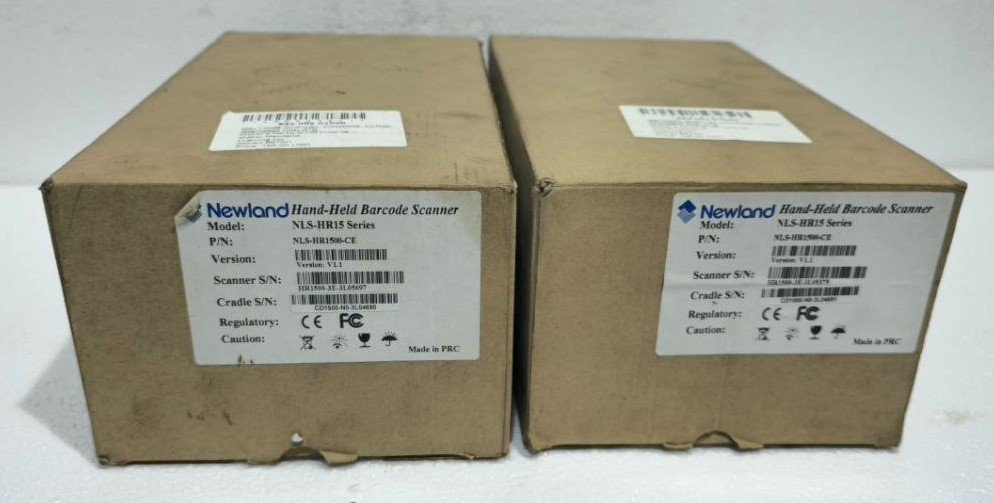
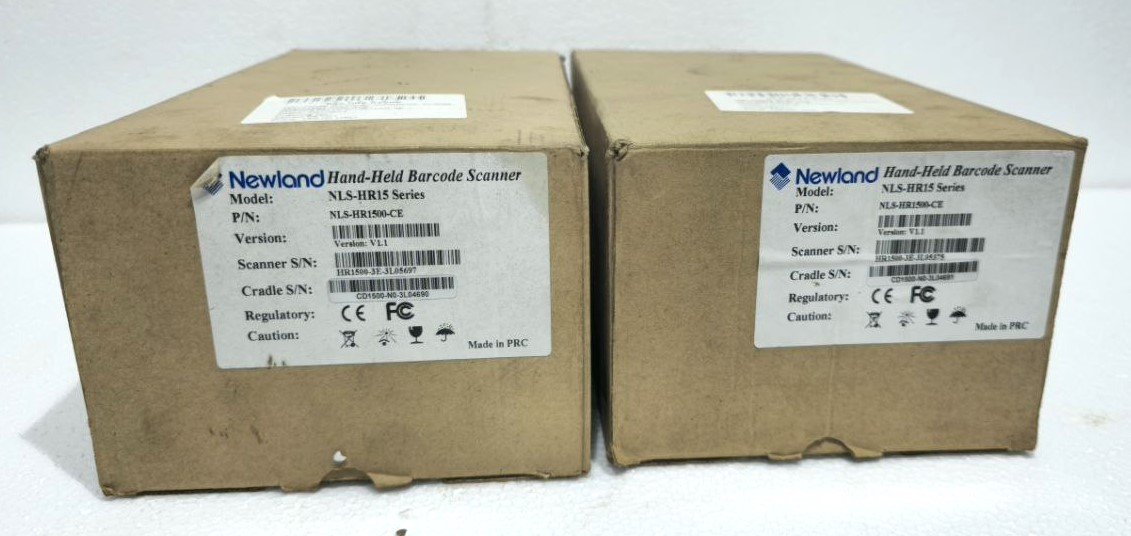
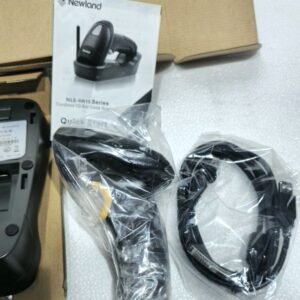
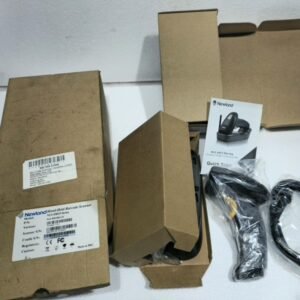
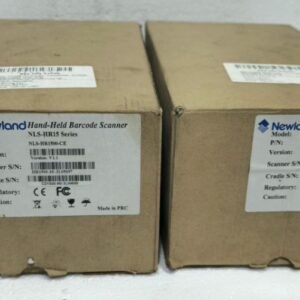
NEWLAND NLS-HR15 HAND HELD BARCODE SCANNER MULTI-FUNCTION BASE NLS-CD1500 W/T CHARGER
$250.00
| Product Conditioned | NEW |
|---|
Free Shipping apply to all orders over $199
Guaranteed Money Back in 30 days return.
24/7 Customer Support
Share:

$250.00
2 in stock
Hotline Order:
(+101) 5620 - 8155
Email ID:
xstore@support.com
Newland NLS-HR15 Handheld 1D/2D Barcode Scanner with NLS-CD1500 Charging & Communication Base
Description:
Boost productivity with the Newland NLS-HR15 handheld imager scanner, the complete solution for fast and reliable data capture. This bundle includes the versatile NLS-CD1500 charging base, creating the perfect workstation for retail POS, inventory management, and warehouse applications.
Key Features & Benefits:
-
High-Performance Scanning: Rapidly decodes all 1D linear barcodes and 2D codes (QR, DataMatrix) on screens or paper.
-
All-Day Durability: Rugged design built to survive the rigors of demanding work environments.
-
Two Scanning Modes: Use as a traditional handheld scanner or dock it in the base for convenient hands-free presentation scanning.
-
Always Ready: The included NLS-CD1500 base keeps your scanner charged, organized, and instantly available, eliminating cable clutter.
-
Easy Plug-and-Play Setup: Connects via standard USB to your PC, cash register, or terminal—no complicated drivers needed.
-
Ideal For: Retail Point-of-Sale (POS), stock rooms, library check-in/out, document processing, and light industrial tracking.
-
NLS-HR15 Handheld Scanner:
-
Technology: Uses CMOS imaging technology, capable of reading all standard 1D barcodes and 2D codes (QR, Data Matrix, PDF417, etc.).
-
Durability: Built to withstand repeated drops onto concrete (typically meeting IP42 or higher ratings for dust/water resistance).
-
Ergonomics: Lightweight design with a comfortable grip for all-day use.
-
Connectivity: Typically supports USB for direct connection to a PC, POS system, or terminal. It may also have support for Keyboard Wedge and RS-232 interfaces.
-
Performance: Features a high-speed scan engine with a long field of view and depth of field, allowing for quick, forgiving scans from various distances and angles.
-
-
NLS-CD1500 Multi-Function Base (with Charger):
This is the key accessory that transforms the scanner into a more flexible tool.-
Charging Cradle: The primary function is to charge the scanner’s internal battery when docked.
-
Communication Hub: Acts as a USB interface. When the scanner is placed in the cradle, it communicates with the connected computer as if it were directly plugged in.
-
“Present” or “Hands-Free” Mode: The base allows the scanner to be used in presentation mode. You can simply present a barcode in front of the scanner (which is sitting in the upright base) to read it without pulling the trigger. This is ideal for quick, repetitive scanning.
-
Stand: Holds the scanner securely on a counter or workstation, keeping it organized and readily accessible.
-
We're here when you need us
Get a Quick Quote
Complete our online form.
Call US
Speak to one of our team.
Live Chat
Send us a message
Speak to one of our team.